How to Stop Doomscrolling: 8 Tactics That Break the Loop
Doomscrolling isn't a willpower problem — it's a designed loop feeding a real anxiety. Here are 8 concrete ways to interrupt it, from notification cleanup to a pause before the feed.

By the Kaizen team
July 25, 2026 · 3 min read
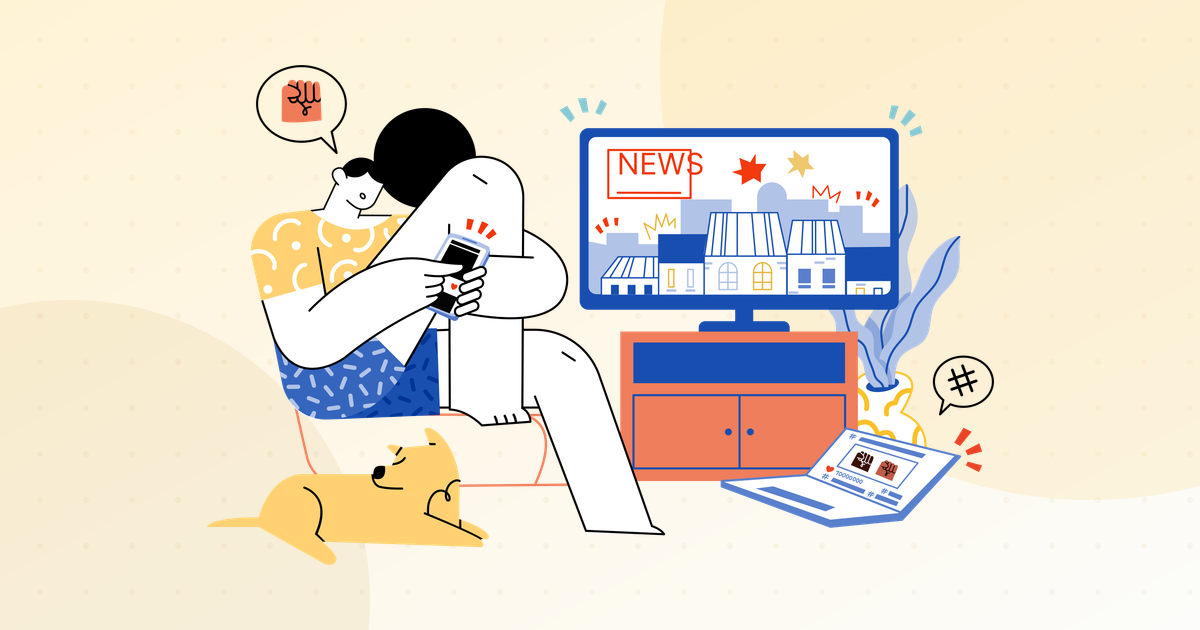
Doomscrolling is the specific habit of scrolling through bad news and negative posts long after it stops informing you and starts just making you feel worse. It feels like staying informed. It’s actually your brain trying to resolve a threat it can’t resolve, one more post at a time. Here’s how to break the loop.
1. Name what the scroll is doing for you
The pull isn’t really about the news. It’s usually about uncertainty — something in your life or the world feels unresolved, and scrolling is a way to feel like you’re doing something about it. You’re not, but the loop rewards the attempt. Just noticing “I’m doing this because I feel anxious, not because I need this information” takes some of the compulsion out of it.
2. Cut the supply lines
- Turn off all news and social notifications: Settings → Notifications → per app → off. Breaking news will still reach you; you don’t need a push for it.
- Unfollow or mute the accounts that reliably spike your stress without informing you. Doomscrolling needs a feed full of doom — starve it.
- Remove the worst apps from your Home Screen so opening them takes a deliberate search.
3. Put a pause between you and the feed
The scroll is automatic — thumb moves before you decide. Inserting a few seconds of friction right at the open breaks the reflex. This is the core of what Kaizen does: when you open a feed app, it shows a short breathing pause and asks whether this is deliberate. That gap is often enough for the honest answer — “I’m anxious and avoiding something” — to surface, and the session ends before it starts. It runs on Apple’s Screen Time API, covers websites too, and tracks your weekly trend.
4. Give the anxiety a real channel
Doomscrolling is a fake outlet for a real feeling. Give the feeling a genuine one: a 10-minute walk, writing down what’s actually bothering you, texting a friend, or a concrete small action on the thing you can affect. The urge to scroll drops sharply once the underlying emotion has somewhere else to go.
5. Set a “news window”
Pick one or two times a day — say 12pm and 6pm — when you check the news deliberately, from one or two sources you trust. Outside those windows, news is off-limits. Scheduled information is still information; it just doesn’t leak into every idle moment.
6. Make your phone boring at night
Most doomscrolling spikes happen in bed. Charge the phone in another room. Use Downtime (Settings → Screen Time → Downtime) to lock feed apps overnight. Put a book where the phone used to be.
7. Switch the screen to grayscale
Settings → Accessibility → Display & Text Size → Color Filters → Grayscale. A grey feed is markedly less compelling — the colour is part of the hook. Many people set it as an Accessibility Shortcut (triple-click the side button) and flip it on in the evening.
8. Track it so it can’t hide
Awareness fades fast. Look at your weekly screen-time report every Sunday, specifically for the feed apps. Watching the number move — down or up — keeps the habit visible, which is most of the battle.
What to expect
The first week is the hardest; the reflex will fire and find nothing there, repeatedly. That fades. What replaces it is a small, useful gap between feeling anxious and reaching for your phone — and in that gap you get to choose something better.
The feed will never resolve the thing you’re scrolling to resolve. Close it and go do the small real thing instead.
Related reading: 9 signs you’re addicted to your phone and how to reduce your screen time.

Put it into practice with Kaizen
Block distracting apps, cut your screen time and build better habits — free to download on iOS.